
Presets
Quickly switching between different pre-defined configurations.
In Dante Controller, click the load preset button  then select the preset that applies to your event from the list and open it.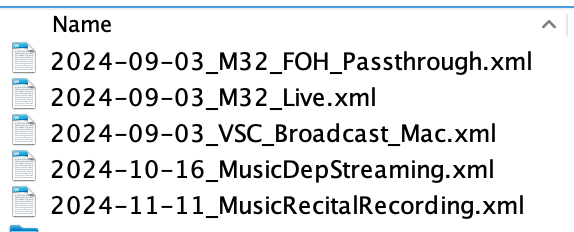
If you don't see this list, go to finder and click on the "Documents" shared drive 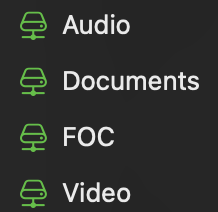 to connect to it, then try loading the preset in Dante Controller again.
The presets generally apply as following:
- M32_FOH_Passthrough: Vespers, admissions, or any other event without streaming or recording.
- M32_Live: Chapel, or any other event we produce a separate broadcast mix on the M32
- VSC_Broadcast_Mac: Will route multitrack recording to the M32 for practice
- MusicDeptStreaming: Any event where Westmark (Doug & Friends) are doing stream audio. Will pass their audio to the web stream.
- MusicRecitalRecording: For recitals