
Importing from Planning Center for Chapel/Vespers
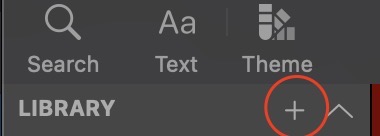
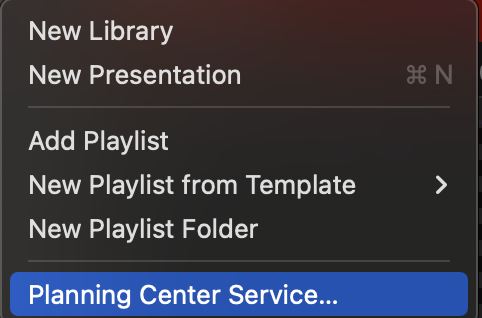
Hit that plus icon and navigate to the Planning Center Service Option.
Sign in (if needed) and click on the right folder that would contain the event that you are running (Mon chapel v. Wed chapel v. Vespers). The event will be titled the date of the event.
Click on the right event and you will get a pop-up.